
Mobogenie is user friendly software that lets you store backup and perform a wide range of task on your Android allowed device.
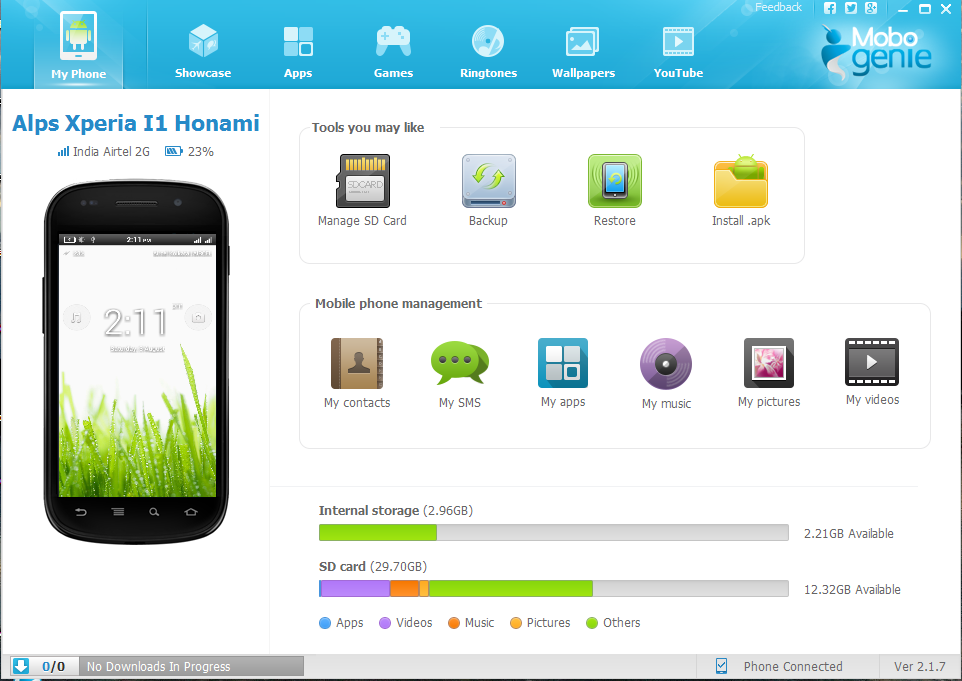
Easy Backup process
Previously Android device management solutions hardly came up with any solutions. But now with Mobogiene entering the scenario the whole process have changed. It is now possible to build a simple piece of software to cater to an Android user free of cost!
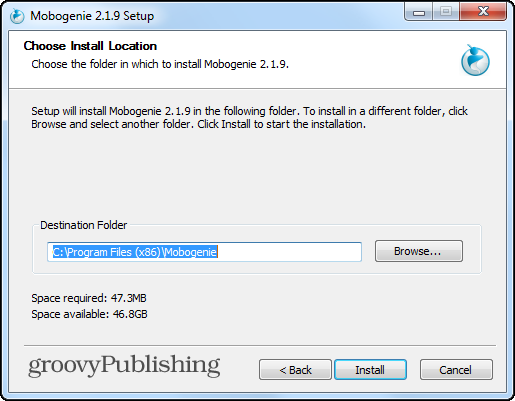
The installation process of Mobogenie is almost the same as any other windows software. Download it from here and hit next a couple of time. Relax! You need not worry about it installing toolbars or other crapware during the process.
Make sure that your USB debugging is enabled on your Android device. And if you are not familiar on how to enable it start the software and connect your phone right away!

After connection you will get a simple, straight-forward interface with tabs for navigation. Give special attention to the My Phone tab because it will give you accesses to everything you can do on your device. It will show how space is used on your device and let you manage the files on your SD card. You are also allowed to install application files, create back up and restore those back again.
Creating a back up for your Android enabled device is an easy task. All you need to do is to launch the Backup Wizard. The software will gather information from your device and create a back up of your contacts, apps, music etc.

Few features from Mobogenie
You can manage content like images, videos or ringtones directly on your smartphone from the Mobogenie. It allows you to manage your SMS messages and Contacts directly and reply to messages from your PC itself.

You can directly update apps on your phone from Mobogenie interface without even touching it.
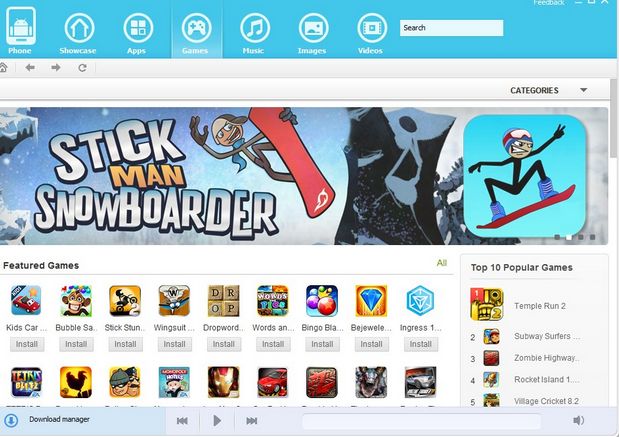
It is connected to an alternative Android app store where you can get apps, free ringtones and wallpapers with just a simple click on the Download button.

Akshay Agarwal
Latest posts by Akshay Agarwal (see all)
- Indian Funky Nightwear Brand for Babies and Kids Online - November 11, 2020
- Children’s Boutique Clothing Manufacturers in India - September 25, 2020
- Kids Celebrity Designer – Aastha Agarwal to showcase her collection at India Kids Fashion Week in Jaipur - September 7, 2019